8 Insider Tips for Choosing the Perfect Indoor Golf Club
Picture this: It’s a freezing winter morning in 2026, snow is piling up outside, but you’re perfecting your swing in the comfort of your own home. The dream of year-round golf practice has never been more achievable, thanks to revolutionary advances in indoor golf technology. However, with countless options flooding the market, choosing the right indoor golf setup can feel as challenging as sinking a 40-foot putt.
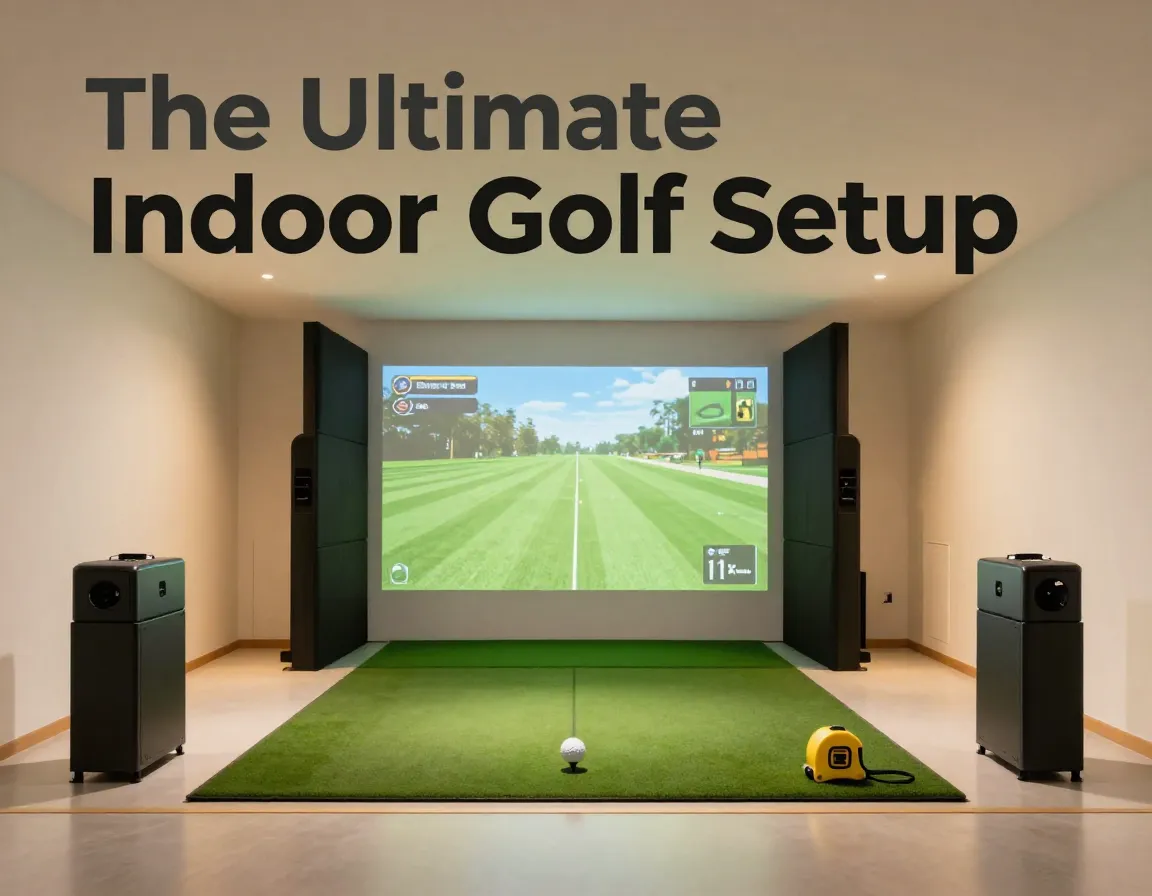
Whether you’re a weekend warrior looking to improve your handicap or a serious golfer preparing for tournament season, these 8 insider tips for choosing the perfect indoor golf club will guide you through the maze of launch monitors, simulators, and space considerations to create your ultimate indoor golf sanctuary.
Key Takeaways
- Space requirements are non-negotiable – You need minimum 12 ft x 10 ft x 8.5 ft for proper simulator setup
- Match your setup to your goals – Choose between portable launch monitors for dual indoor/outdoor use or dedicated simulators for serious practice
- Data accuracy varies significantly – Premium models like GC3S excel at club data while others like Uneekor i Mini offer better value and features
- Budget for the complete experience – Factor in subscription fees, software costs, and installation beyond the initial hardware price
- Future-proof your investment – Consider upgrade paths and software compatibility for long-term value
1. Master the Space Requirements Game 📐
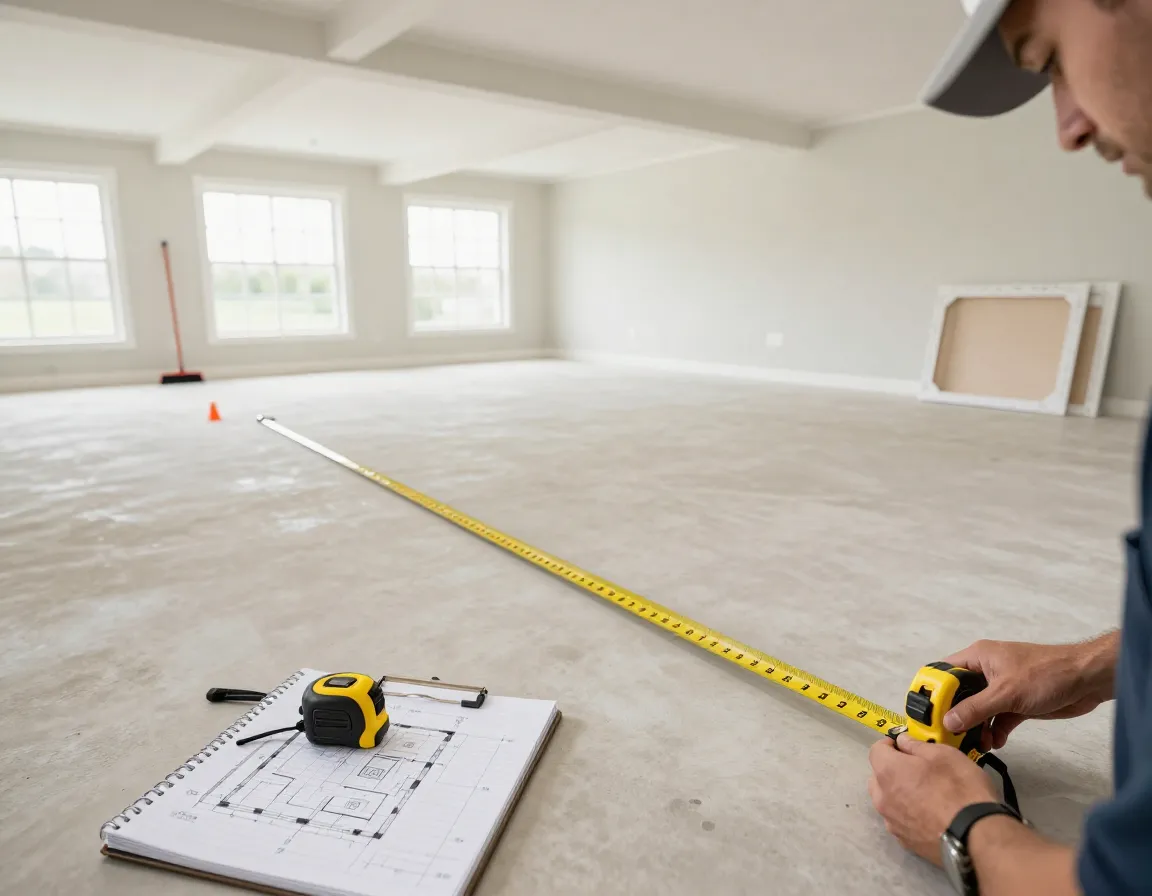
The foundation of any successful indoor golf setup starts with understanding your space limitations. I’ve seen too many golfers get excited about a premium simulator only to realize their basement ceiling won’t accommodate a full swing.
Minimum Space Requirements:
- Length: 12 feet minimum
- Width: 10 feet minimum
- Height: 8.5-10 feet for full club usage
- Additional clearance: 2 feet behind hitting area
“The biggest mistake I see is people underestimating ceiling height. You need at least 8.5 feet, but 10 feet gives you the confidence to swing freely with your driver.” – Golf Simulator Expert
Pro Space Tips:
- Measure twice, buy once – include your full swing arc
- Consider adjustable tee heights for different family members
- Account for lighting fixtures and ceiling fans
- Plan for ventilation in enclosed spaces
If your space is limited, don’t despair. Many modern launch monitors work excellently in smaller areas when paired with hitting nets for outdoor practice sessions.
2. Define Your Indoor vs. Outdoor Practice Strategy
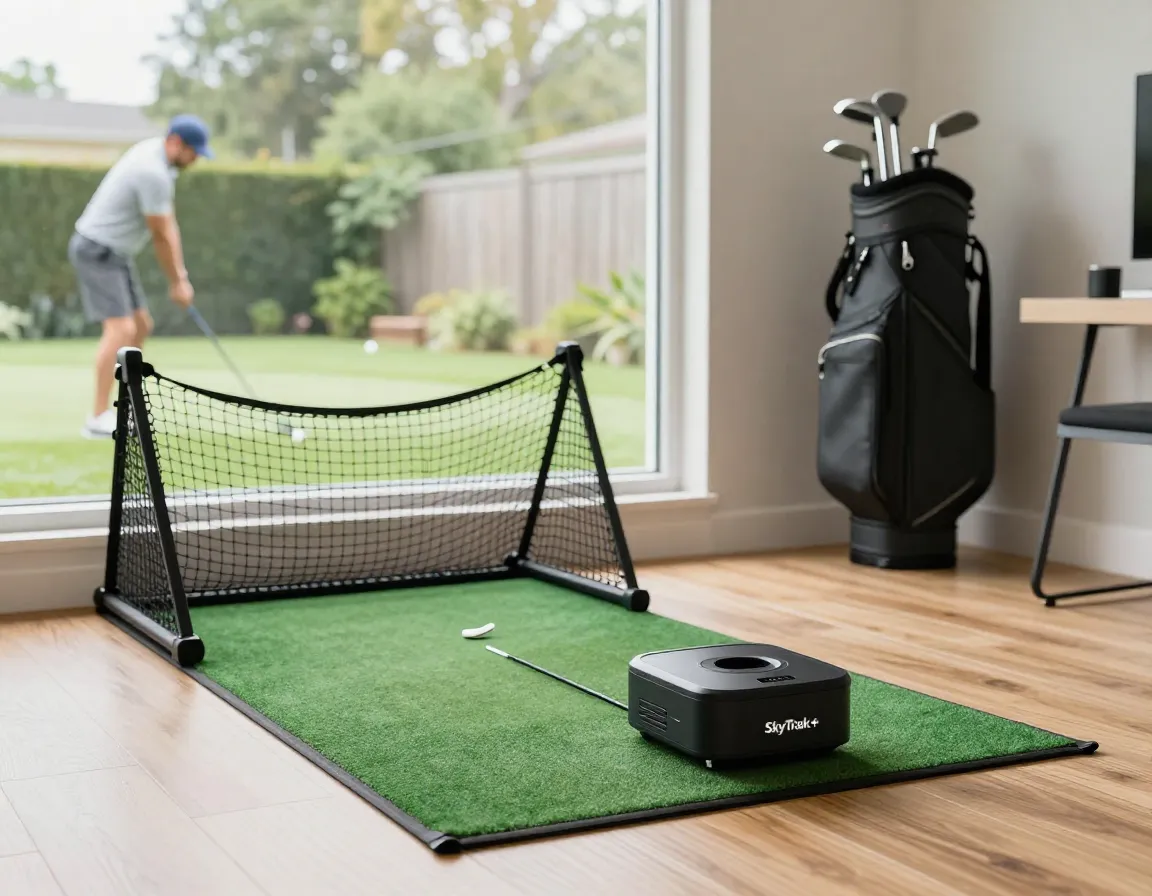
One of the most crucial decisions in selecting your indoor golf equipment revolves around how you plan to use it. This choice will dramatically impact which technology serves you best.
For Dual Indoor/Outdoor Use:
- Launch Monitor + Net Combo works best
- Portable units like SkyTrak+ or Garmin Approach R10
- Easy setup and breakdown
- Lower initial investment
For Dedicated Indoor Practice:
- Full Simulator Setup provides immersive experience
- Fixed installation with projection systems
- Course play and entertainment value
- Higher investment but better long-term value
Consider Your Goals:
- Skill improvement focus → Launch monitor with detailed analytics
- Entertainment and family fun → Full simulator with course play
- Professional training → High-end systems with video analysis
- Casual practice → Budget-friendly portable options
The key is being honest about your usage patterns. If you’re planning to practice outdoors frequently during good weather, investing in a portable launch monitor makes more financial sense than a fixed simulator setup.
3. Prioritize Data Accuracy for Your Specific Needs 🎯
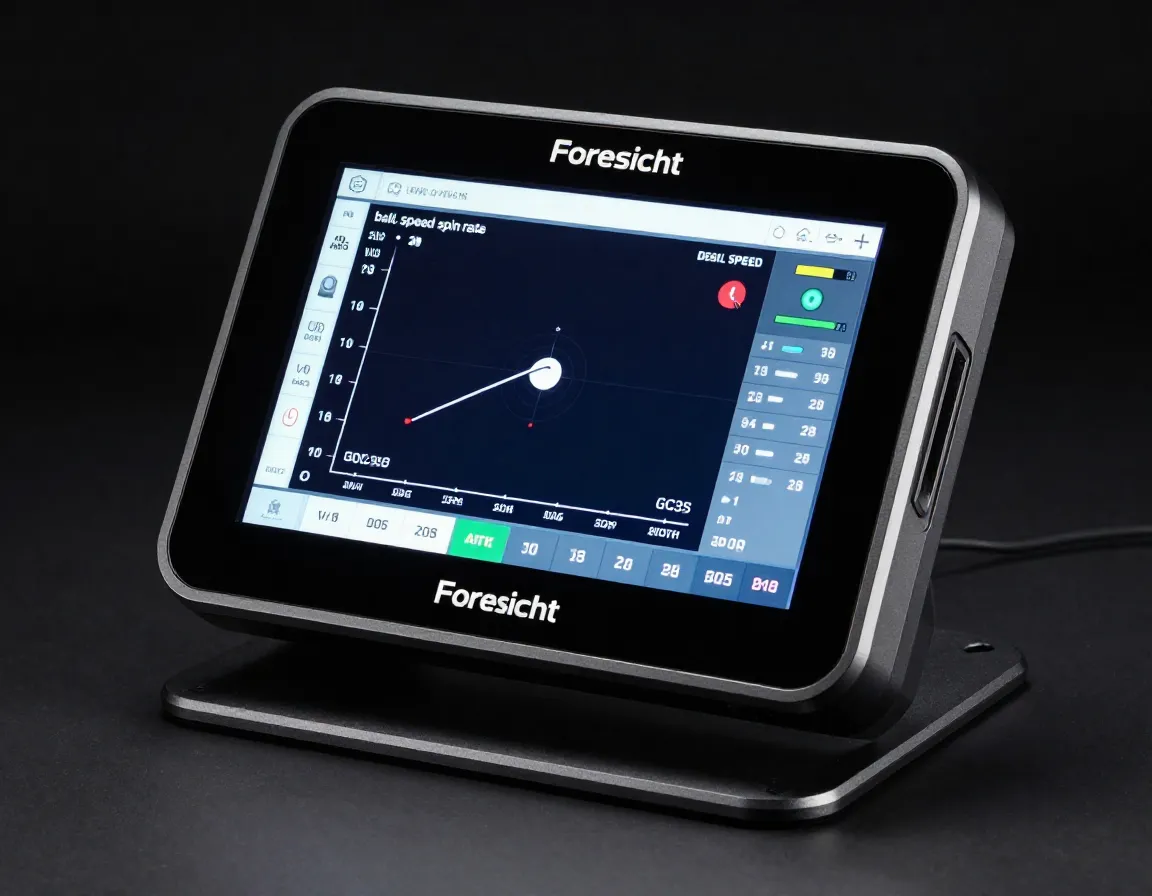
Not all golf technology measures the same parameters, and understanding these differences is crucial when applying these 8 insider tips for choosing the perfect indoor golf club setup.
Launch Monitor Categories:
| Technology Type | Best For | Accuracy Level | Price Range |
|---|---|---|---|
| Radar-Based | Ball flight data | Very High | $2,000-$20,000 |
| Camera-Based | Club analysis | Excellent | $3,000-$25,000 |
| Photometric | Complete data | Premium | $10,000-$40,000 |
Key Metrics to Consider:
- Ball speed and spin rate – Critical for distance control
- Club path and face angle – Essential for swing improvement
- Launch angle and carry distance – Important for course management
- Smash factor – Indicates strike quality
2026 Accuracy Leaders:
- Foresight GC3S – Superior club data accuracy
- Uneekor EYEX02 – Excellent all-around performance
- Full Swing Pro Series – Tour-level precision
- SkyTrak+ – Best value for accuracy ratio
Remember, more data isn’t always better. Focus on the metrics that align with your improvement goals rather than being overwhelmed by every possible measurement.
4. Navigate the 2026 Simulator Landscape Like a Pro
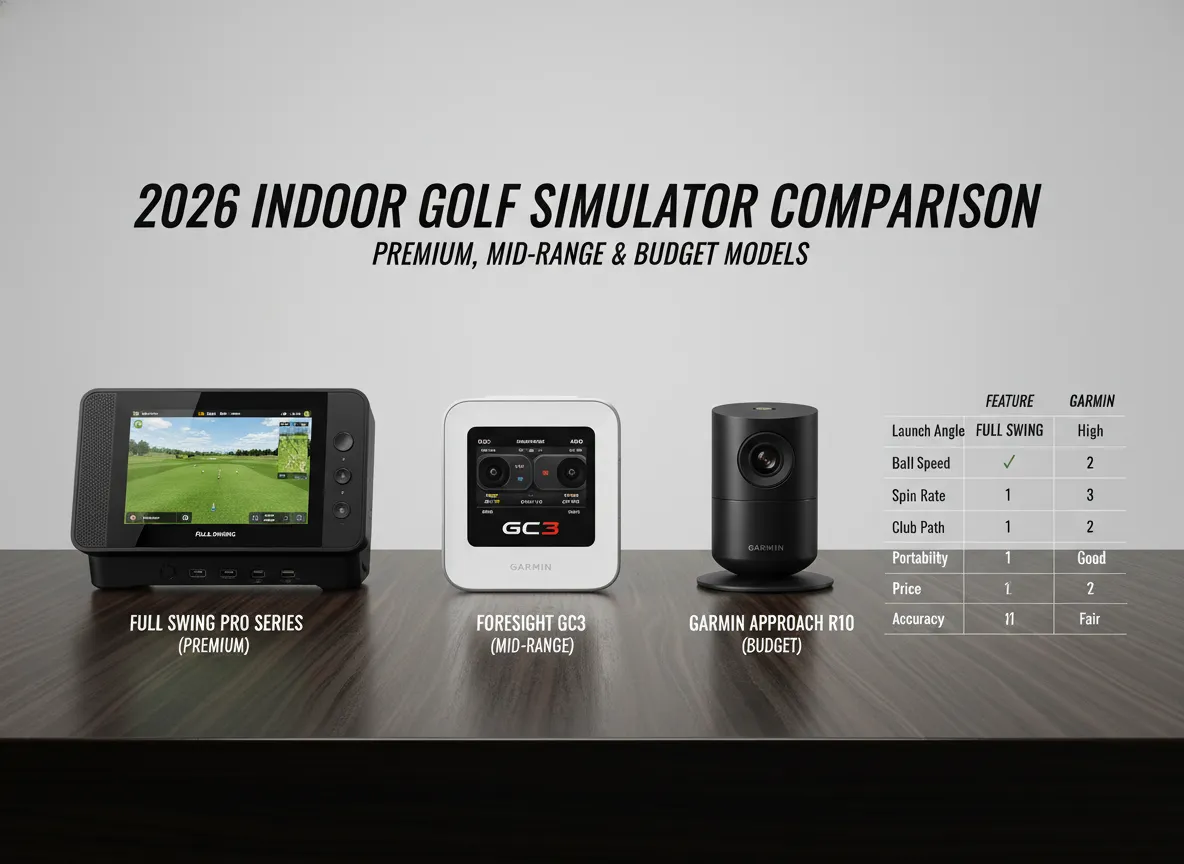
The indoor golf market has exploded in 2026, with new models and features launching regularly. Here’s your insider guide to the current top performers:
Premium Tier ($15,000+):
- Full Swing Pro Series ⭐ – Tiger Woods’ choice, tour-level accuracy
- Foresight GCQuad – Industry standard for professionals
- Uneekor EYEX02 – Cutting-edge camera technology
Mid-Range Champions ($5,000-$15,000):
- Foresight GC3 – Excellent balance of features and price
- SkyTrak+ – Popular choice for serious amateurs
- Uneekor i Mini – Great features with lower subscription costs
Budget-Friendly Options (Under $5,000):
- Garmin Approach R10 – Portable and versatile
- Rapsodo MLM2PRO – Solid entry-level choice
- FlightScope Mevo+ – Good outdoor/indoor flexibility
What’s New in 2026:
- Enhanced AI-powered swing analysis
- Improved low-light performance
- Better integration with mobile apps
- Reduced subscription dependency
The February 2026 comprehensive simulator tier list comparing 12+ models has become the go-to resource for serious buyers, highlighting how competitive this market has become.
5. Budget Beyond the Sticker Price 💰

When implementing these 8 insider tips for choosing the perfect indoor golf club selection, many buyers focus solely on hardware costs while overlooking the total cost of ownership.
Hidden Costs to Factor In:
Software & Subscriptions:
- Course packages: $500-$2,000 annually
- Software updates: $200-$500 per year
- Premium features: $300-$800 annually
Installation & Setup:
- Professional installation: $1,000-$3,000
- Electrical work: $500-$1,500
- Structural modifications: $2,000-$5,000
Accessories & Maintenance:
- Quality hitting mats: $300-$800
- Replacement nets: $200-$500
- Calibration services: $200-$400 annually
Smart Budgeting Strategy:
- Set total budget first – Include 3-year operating costs
- Prioritize core features – Don’t pay for unused capabilities
- Consider financing options – Many dealers offer payment plans
- Plan for upgrades – Choose systems with expansion paths
“The golfers who are happiest with their indoor setups are those who budgeted for the complete experience from day one, not just the hardware.” – Indoor Golf Retailer
6. Evaluate Software Ecosystems and Course Libraries 🏌️
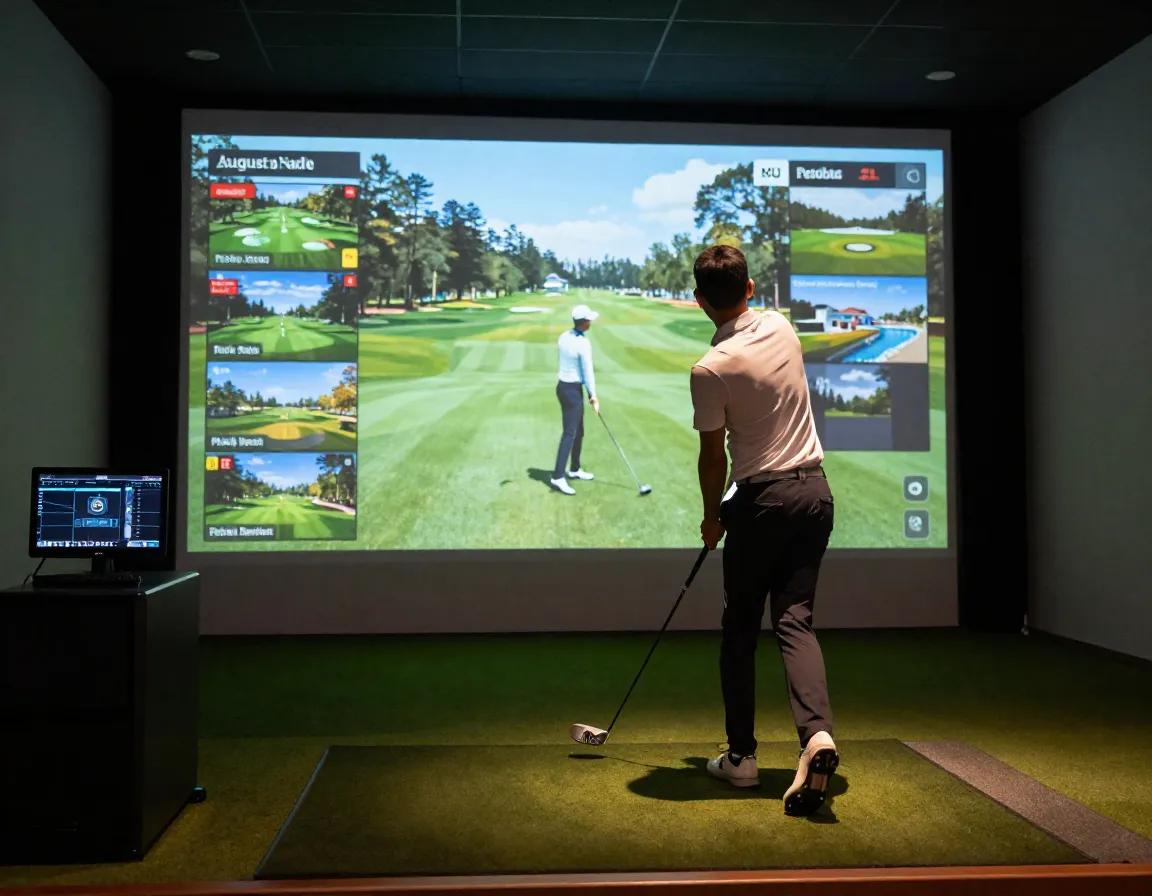
The software experience can make or break your indoor golf enjoyment. Modern simulators offer far more than basic ball tracking – they’re complete golf entertainment systems.
Leading Software Platforms:
- TGC 2019 – Massive course library, realistic graphics
- E6 CONNECT – User-friendly interface, good course variety
- GSPro – Rising star with excellent physics engine
- Full Swing’s proprietary software – Premium experience
Essential Software Features:
- Course variety – Look for 100+ quality courses
- Practice modes – Driving range, putting green, skills challenges
- Multiplayer options – Online tournaments and competitions
- Swing analysis tools – Video replay and data visualization
- Mobile integration – Smartphone apps for data review
Course Library Considerations:
- Famous courses – Augusta National, Pebble Beach, St. Andrews
- Local favorites – Courses you actually play
- Variety – Links, parkland, desert, mountain courses
- Update frequency – New courses added regularly
Subscription Model Trends:
Many manufacturers are moving toward subscription-based software models. While this ensures regular updates, it also means ongoing costs. The Uneekor i Mini has gained popularity partly due to its lower subscription fees compared to competitors.
7. Plan for Installation and Technical Requirements ⚙️
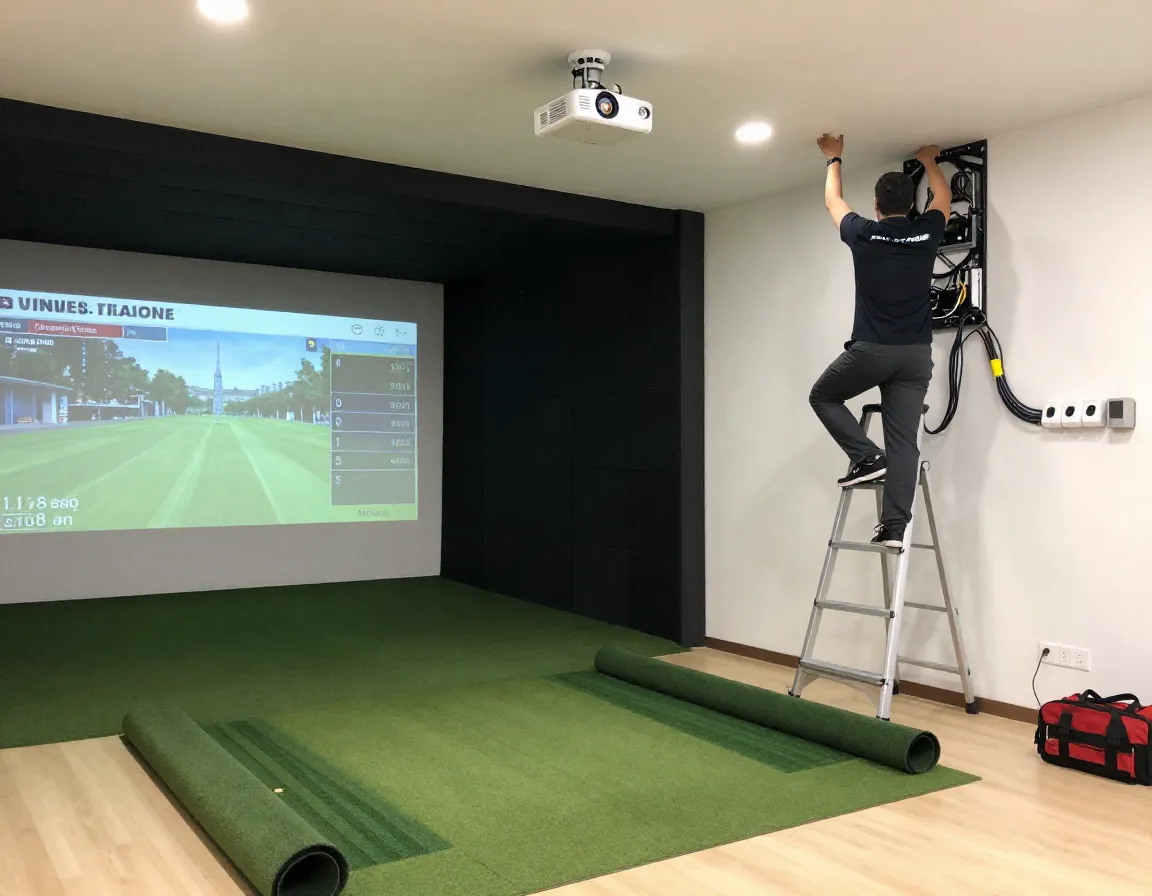
Even the best indoor golf equipment won’t perform properly without correct installation. This aspect of choosing your perfect indoor golf club setup often determines long-term satisfaction.
Technical Infrastructure Needs:
Electrical Requirements:
- Dedicated 20-amp circuit for projectors
- Multiple outlets for computers and accessories
- Proper grounding for sensitive electronics
- Surge protection for expensive equipment
Network and Connectivity:
- High-speed internet for software updates
- Wired ethernet connection recommended
- Strong Wi-Fi signal for mobile apps
- Cloud storage for swing data
Environmental Factors:
- Temperature control – electronics are sensitive
- Humidity management – prevents condensation
- Dust protection – cameras need clean lenses
- Sound insulation – consider neighbors
Professional vs. DIY Installation:
| Aspect | Professional | DIY |
|---|---|---|
| Cost | $2,000-$5,000 | $200-$500 |
| Time | 1-2 days | 1-2 weeks |
| Warranty | Full coverage | Limited |
| Calibration | Precision setup | Learning curve |
| Troubleshooting | Expert support | Self-reliant |
Installation Timeline:
- Week 1: Space preparation and electrical work
- Week 2: Equipment delivery and initial setup
- Week 3: Software installation and calibration
- Week 4: Fine-tuning and training
Most manufacturers strongly recommend professional installation for systems over $10,000 to ensure optimal performance and maintain warranty coverage.
8. Future-Proof Your Investment Strategy
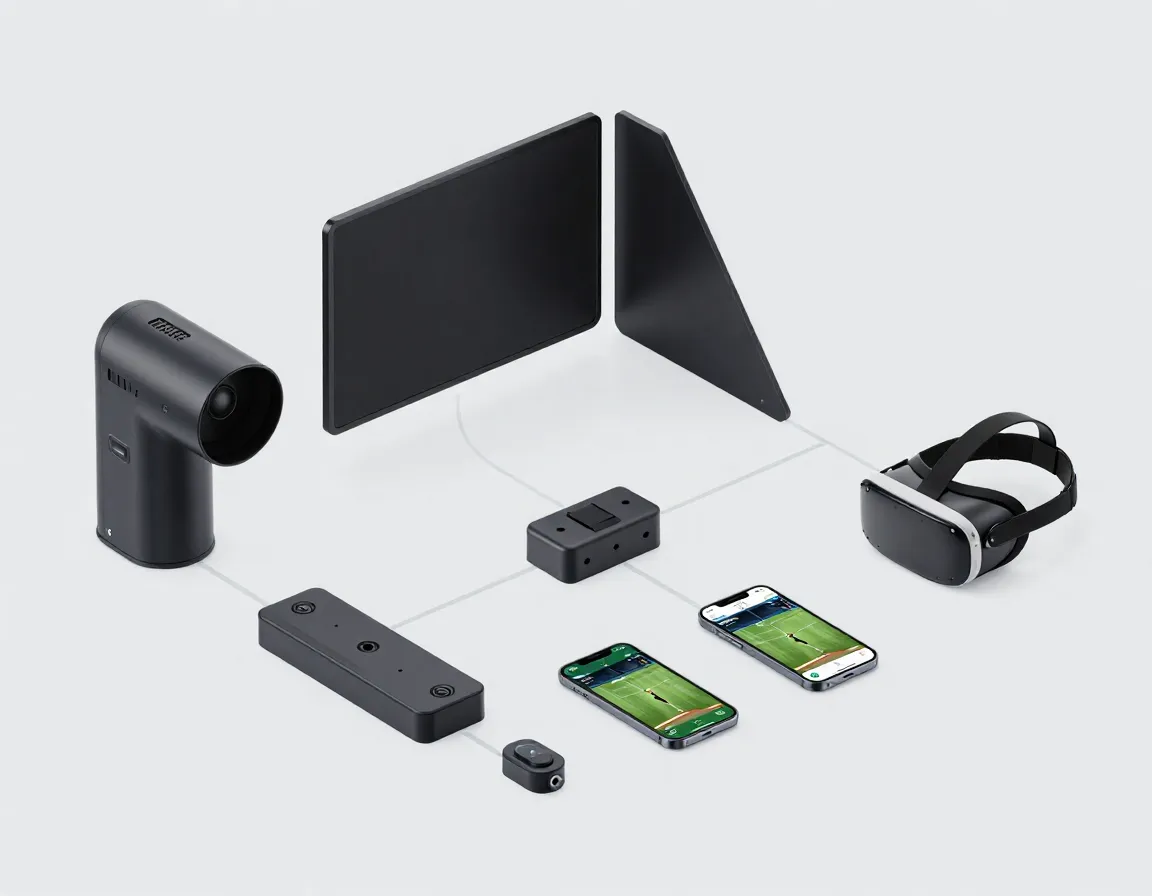
The final tip in these 8 insider tips for choosing the perfect indoor golf club selection focuses on ensuring your investment remains valuable for years to come.
Technology Evolution Trends:
- AI integration – Smarter swing analysis and coaching
- Virtual reality – More immersive course experiences
- Cloud computing – Reduced hardware requirements
- Mobile integration – Seamless smartphone connectivity
Upgrade Path Considerations:
- Modular systems – Components can be upgraded individually
- Software compatibility – Works with multiple platforms
- Hardware expandability – Additional sensors and features
- Manufacturer support – Long-term update commitments
Resale Value Protection:
- Choose established brands with strong reputations
- Keep all original packaging and documentation
- Maintain regular calibration and service records
- Stay current with software updates
Smart Investment Strategies:
- Buy quality once – Premium systems hold value better
- Consider leasing – For rapidly evolving technology
- Join user communities – Stay informed about updates and tips
- Plan 5-year lifecycle – Budget for eventual replacement
Emerging Technologies to Watch:
- Haptic feedback systems for realistic impact feel
- Advanced biomechanical analysis
- Augmented reality overlays
- Machine learning personalized coaching
The indoor golf market continues evolving rapidly. Systems purchased in 2026 should remain relevant through 2030-2031 with proper software updates and occasional hardware refreshes.
Conclusion
Selecting the perfect indoor golf club setup requires balancing space constraints, technology preferences, budget considerations, and long-term goals. These 8 insider tips for choosing the perfect indoor golf club provide a comprehensive framework for making an informed decision that will enhance your golf game for years to come.
Your Action Plan:
- Measure your space carefully and confirm minimum requirements
- Define your primary use case – indoor only or dual indoor/outdoor
- Research current models using the 2026 tier lists and reviews
- Calculate total cost of ownership including subscriptions and installation
- Test before buying – visit showrooms or demo events
- Plan professional installation for systems over $10,000
- Start with quality basics – you can always upgrade later
The investment in indoor golf technology pays dividends through consistent practice opportunities, detailed performance data, and year-round enjoyment of the game. Whether you choose a portable launch monitor for versatility or a premium simulator for the ultimate experience, following these insider tips ensures you’ll make a choice that enhances both your skills and enjoyment of golf.
Remember, the perfect indoor golf club setup is the one that matches your specific needs, space, and budget while providing room for growth as your game improves. Take time to research thoroughly, and don’t hesitate to consult with professionals who can guide you through the technical aspects of installation and setup.