8 Things You MUST Know Before Buying an Indoor Golf Simulator
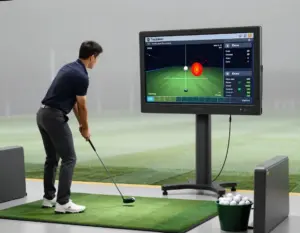
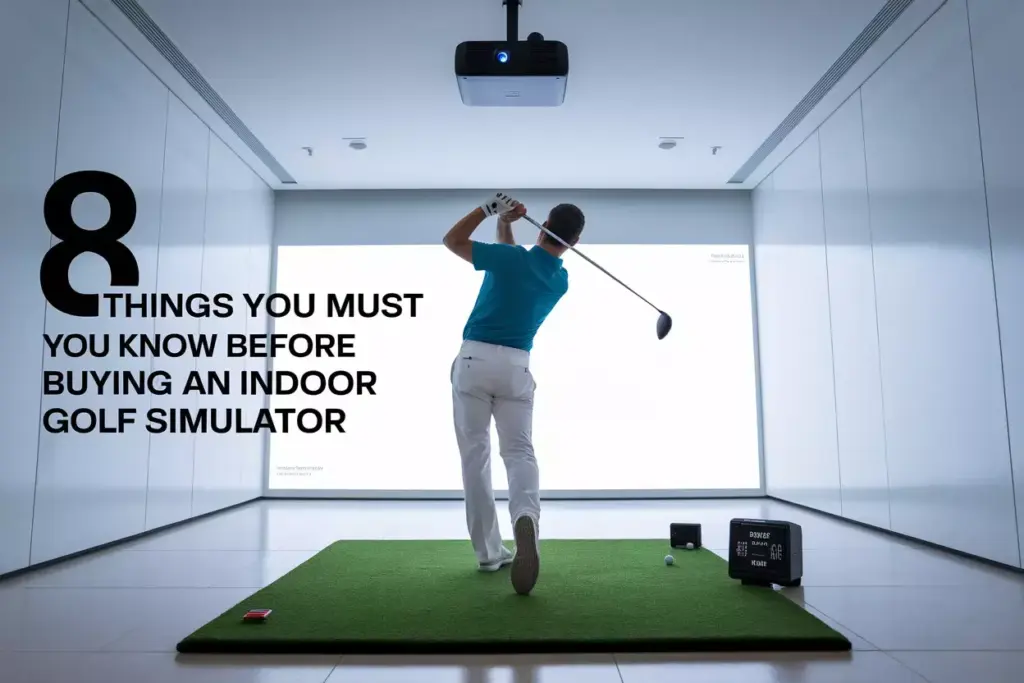
The indoor golf simulator market has exploded in 2025, with more golfers than ever seeking to perfect their game from the comfort of home. Whether driven by convenience, weather concerns, or the desire for year-round practice, investing in a golf simulator represents a significant decision that can transform both your game and your living space. However, with prices ranging from a few thousand to over $100,000, understanding the 8 Things You MUST Know Before Buying an Indoor Golf Simulator can mean the difference between a dream setup and an expensive mistake.
Key Takeaways
- Space requirements are non-negotiable – You need minimum 10 feet of ceiling height and adequate room dimensions for safe, effective use
- Technology varies dramatically – Launch monitors, projection systems, and software packages offer different accuracy levels and features at vastly different price points
- Installation complexity ranges from simple plug-and-play systems to professional installations requiring electrical and structural modifications
- Ongoing costs include software subscriptions, maintenance, and potential upgrades that can add thousands to your initial investment
- Accuracy and realism depend heavily on your budget, with entry-level systems providing basic feedback while premium options offer tour-level precision
1. Space Requirements: The Foundation of Your Simulator Setup
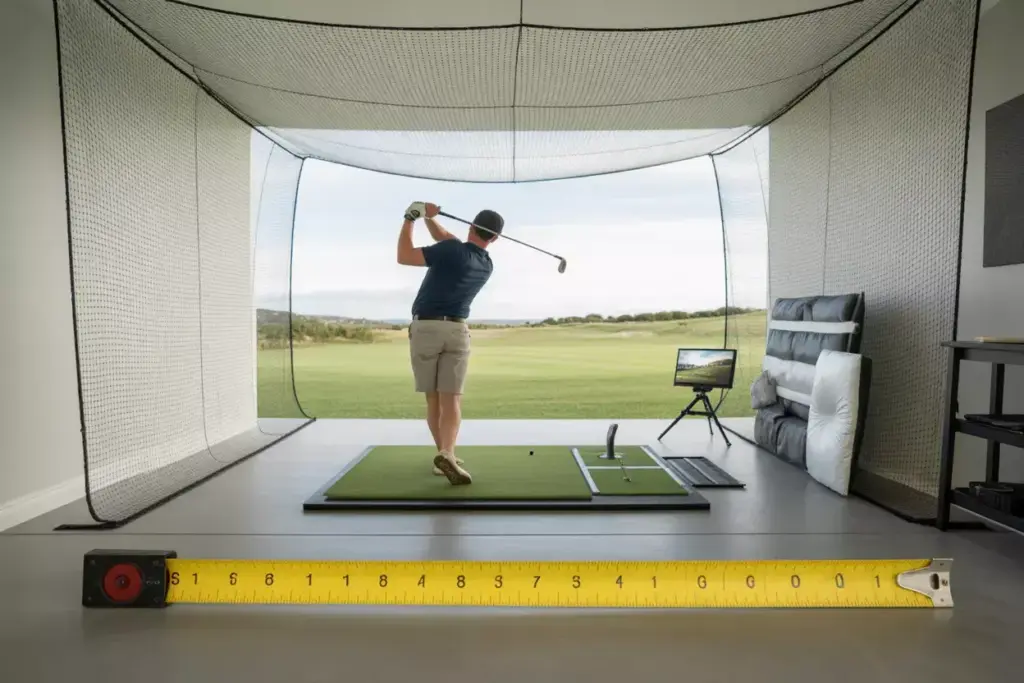
The first and most critical consideration when exploring the 8 Things You MUST Know Before Buying an Indoor Golf Simulator involves understanding your space limitations. Space requirements are absolutely non-negotiable and will ultimately determine which simulator options remain viable for your situation.
Minimum Room Dimensions
Most golf simulators require specific minimum dimensions to function safely and effectively:
| Room Dimension | Minimum Requirement | Recommended |
|---|---|---|
| Ceiling Height | 9 feet | 10+ feet |
| Width | 12 feet | 14+ feet |
| Depth | 15 feet | 18+ feet |
| Hitting Area | 8×8 feet | 10×10 feet |
Critical Space Considerations
Ceiling height represents the most common deal-breaker. A 6-foot golfer with a driver needs approximately 9 feet of clearance, but this assumes perfect swing mechanics. Most experts recommend 10+ feet of ceiling height to accommodate natural swing variations and prevent costly accidents.
Swing clearance extends beyond just overhead space. Golfers need adequate room behind, in front of, and to the sides of their hitting position. Left-handed golfers require additional consideration for their follow-through direction.
Safety zones must account for errant shots and club releases. Even experienced golfers occasionally lose grip on clubs, making side clearances crucial for protecting both equipment and surroundings.
Creative Space Solutions
For those with space limitations, several options exist:
- Garage conversions offer excellent ceiling height but may require climate control
- Basement installations work well if ceiling height permits
- Dedicated simulator rooms provide the ultimate experience but require significant investment
- Portable systems offer flexibility but with performance compromises
2. Technology Types and Accuracy Levels
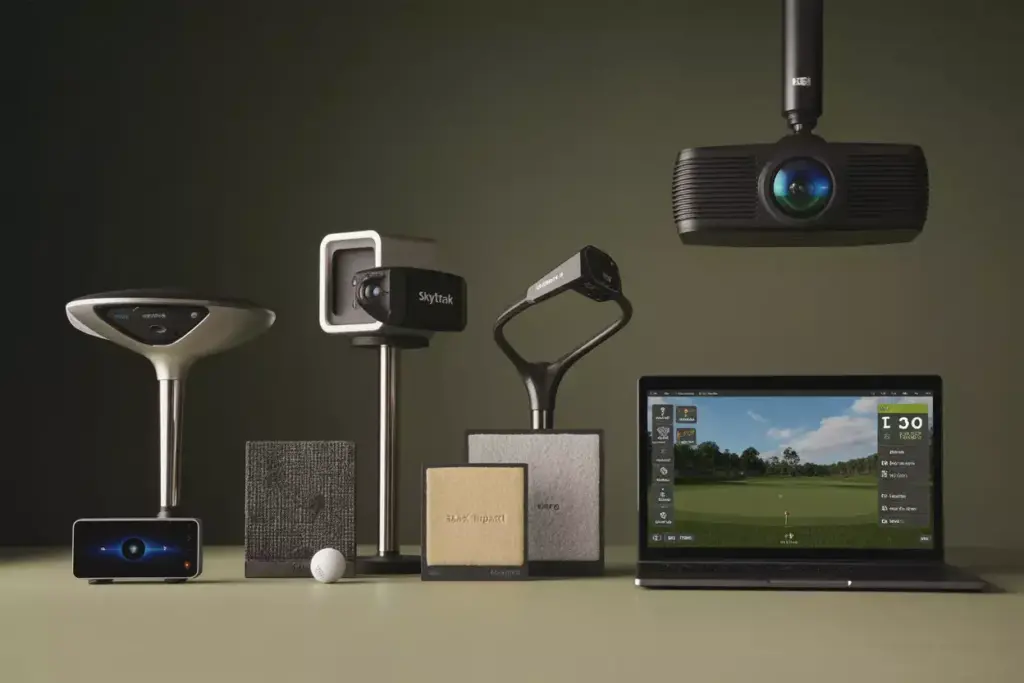
Understanding the technology behind golf simulators represents another crucial element among the 8 Things You MUST Know Before Buying an Indoor Golf Simulator. The accuracy and realism of your simulator experience depend entirely on the technology powering your system.
Launch Monitor Technologies
Radar-based systems use Doppler radar to track ball flight and club movement. These systems excel in outdoor environments and provide excellent ball flight data. Popular radar systems include:
- TrackMan – The gold standard for professional fitting and instruction
- FlightScope – Offers excellent accuracy at a lower price point
- Foresight GCQuad – Combines radar and camera technology
Camera-based systems use high-speed cameras to capture ball and club data at impact. These systems work exceptionally well indoors and often provide more detailed club information:
- Foresight GCHawk – Premium overhead camera system
- SkyTrak – Popular consumer-level camera system
- Uneekor – High-end camera technology with exceptional accuracy
Projection Systems
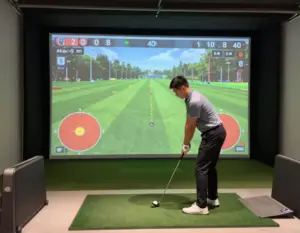
4K projectors have become the standard for premium simulator experiences, offering crisp graphics and realistic course visuals. Key considerations include:
- Brightness measured in lumens (3,000+ recommended)
- Throw distance compatibility with your room dimensions
- Input lag for responsive gameplay
Screen materials significantly impact image quality and durability. Options range from basic impact screens to premium woven materials designed for thousands of ball impacts.
Software Platforms
Simulation software transforms raw data into playable experiences:
- TGC 2019/E6 Connect – Realistic course play with thousands of famous courses
- GSPro – Emerging platform with excellent graphics and physics
- Creative Golf 3D – Budget-friendly option with solid course selection
3. Budget Considerations and Hidden Costs

Financial planning represents a crucial aspect of the 8 Things You MUST Know Before Buying an Indoor Golf Simulator. The initial purchase price represents only the beginning of your investment, with numerous additional costs that can significantly impact your total expenditure.
Initial Investment Ranges
Entry-level systems ($3,000 – $8,000):
- Basic launch monitors like SkyTrak or Garmin R10
- Simple projection setups or TV displays
- Limited software options
- DIY installation
Mid-range systems ($8,000 – $25,000):
- Higher-accuracy launch monitors
- Quality projectors and screens
- Professional software packages
- Some professional installation
Premium systems ($25,000 – $100,000+):
- Tour-level launch monitors
- Multiple projector setups
- Custom room construction
- Full professional installation
Hidden Costs to Consider
Software subscriptions can add $100-500 annually for course updates and online play capabilities. Many golfers underestimate these ongoing costs when budgeting for their simulator.
Installation expenses vary dramatically based on your chosen system and space requirements. Professional installation can range from $2,000 for basic setups to $20,000+ for custom rooms with electrical work, climate control, and structural modifications.
Maintenance and repairs include projector bulb replacements ($200-500), screen repairs or replacements ($500-2,000), and launch monitor calibrations or repairs ($500-2,000).
Upgrades and accessories often become irresistible after initial installation:
- Premium hitting mats ($500-1,500)
- Multiple club sensors ($200-500 each)
- Additional software packages ($500-2,000)
- Room enhancements like putting greens or seating ($1,000-10,000)
Financing Options
Many simulator retailers offer financing programs with terms ranging from 12 to 60 months. Interest rates typically range from 0% promotional rates to 15%+ depending on credit qualifications.
Leasing options provide alternatives for those wanting premium systems without large upfront investments, though total costs typically exceed purchase prices.
4. Installation Requirements and Professional Setup
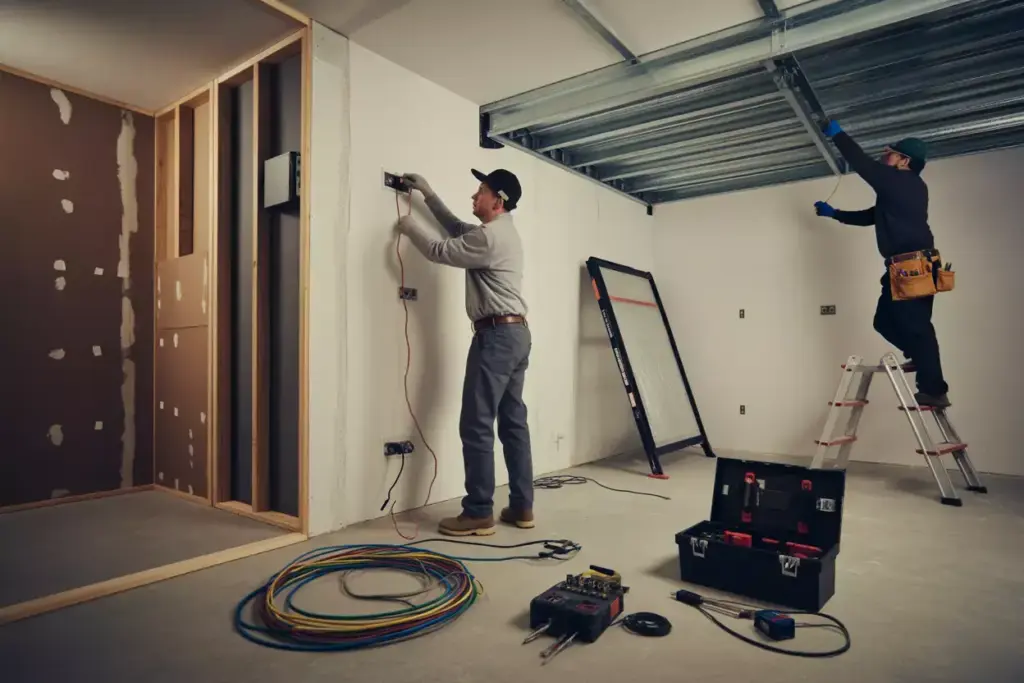
Installation complexity represents another vital consideration among the 8 Things You MUST Know Before Buying an Indoor Golf Simulator. The installation process can range from simple plug-and-play setups to complex professional installations requiring multiple trades and significant construction work.
DIY vs. Professional Installation
DIY installations work well for basic systems with minimal space modifications. These typically involve:
- Mounting projectors to existing ceilings
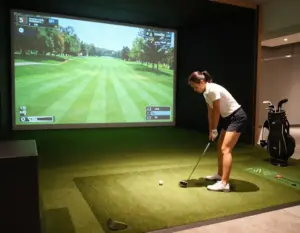
- Setting up portable screens and hitting mats
- Connecting launch monitors and computers
- Basic cable management
Professional installations become necessary for premium systems requiring:
- Electrical work for dedicated circuits and lighting control
- Structural modifications for projector mounting
- Climate control systems for year-round comfort
- Custom framing and finishing work
- Network infrastructure for online play
Electrical Requirements
Most simulators require dedicated electrical circuits to handle the power demands of projectors, computers, and climate control systems. 20-amp circuits are typically recommended for single-projector setups, while multi-projector systems may require multiple circuits.
Lighting control is crucial for optimal projection quality. Many installations include dimmer switches or automated lighting systems that adjust based on simulator use.
Structural Considerations
Ceiling mounting for projectors requires adequate structural support. Projector vibration from ball impacts can affect image quality without proper mounting solutions.
Flooring modifications may include subfloor reinforcement for heavy hitting mats or permanent tee areas. Some installations require shock absorption systems to minimize noise transmission to adjacent rooms.
Ventilation systems help manage temperature and humidity, particularly important in basement or garage installations where climate control may be limited.
Timeline Expectations
Simple installations can typically be completed in 1-2 days with basic systems requiring minimal modifications.
Complex installations may require 1-2 weeks or more, depending on the scope of electrical, structural, and finishing work required.
Permit requirements vary by location but may be necessary for electrical work or structural modifications. Check local building codes before beginning installation.
5. Accuracy and Performance Expectations
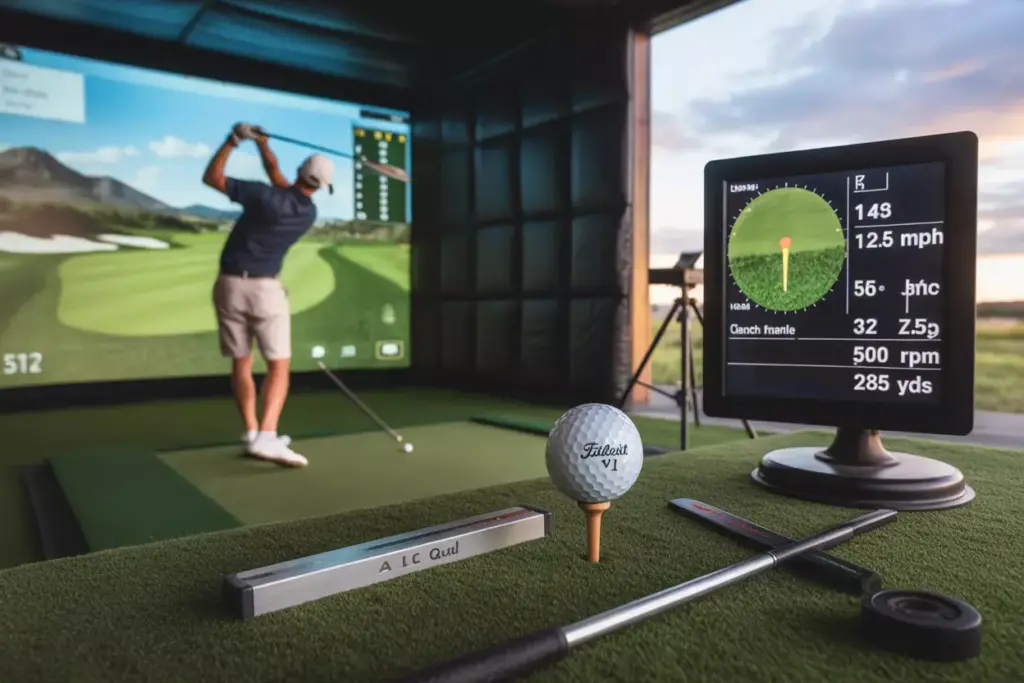
Understanding realistic performance expectations forms a critical part of the 8 Things You MUST Know Before Buying an Indoor Golf Simulator. Accuracy levels vary dramatically between systems, and setting appropriate expectations prevents disappointment and ensures you select a system matching your needs.
Launch Monitor Accuracy Standards
Professional-grade systems like TrackMan and GCQuad offer accuracy within:
- Ball speed: ±1 mph
- Launch angle: ±0.5 degrees
- Spin rate: ±50 rpm
- Carry distance: ±2 yards
Consumer-grade systems like SkyTrak and Garmin R10 typically provide:
- Ball speed: ±2-3 mph
- Launch angle: ±1-2 degrees
- Spin rate: ±100-200 rpm
- Carry distance: ±5-10 yards
Factors Affecting Accuracy
Calibration quality significantly impacts system performance. Professional installation and regular calibration maintain optimal accuracy levels.
Environmental conditions including lighting, temperature, and humidity can affect certain launch monitor technologies. Camera-based systems are particularly sensitive to lighting conditions.
Ball quality impacts measurement accuracy. Premium golf balls provide more consistent data than range balls or damaged balls.
Setup positioning requires precise alignment between launch monitors, hitting areas, and projection systems. Even small misalignments can affect accuracy.
Realistic Performance Expectations
Short game limitations affect most simulator systems. Putting, chipping, and short pitches often lack the realism of full swings due to technology limitations.
Ball flight physics in simulation software may not perfectly match real-world conditions. Wind, temperature, and altitude effects are simulated rather than measured.
Course conditions in simulator software represent ideal conditions. Real-world factors like uneven lies, rough, and weather conditions are simulated approximations.
Validation and Testing
Professional fitting comparison provides excellent validation of simulator accuracy. Comparing simulator data to professional launch monitor sessions helps verify system performance.
On-course validation involves comparing simulator distances and ball flights to actual on-course performance under similar conditions.
Regular calibration maintains accuracy over time. Most systems require periodic calibration to account for equipment drift and environmental changes.
6. Software Options and Course Selection
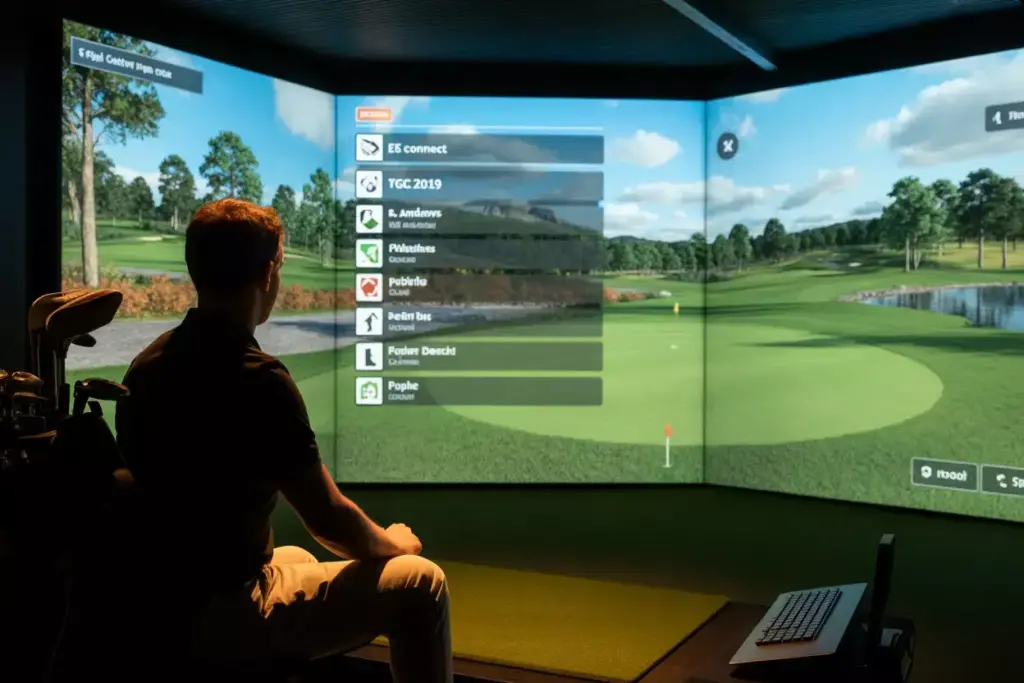
Software selection represents a crucial element among the 8 Things You MUST Know Before Buying an Indoor Golf Simulator, as the software ultimately determines your playing experience, course variety, and long-term enjoyment of your system.
Major Software Platforms
E6 Connect offers one of the largest course libraries with over 90 championship courses including Pebble Beach, St. Andrews, and Pinehurst. The platform features:
- Realistic graphics and physics
- Multiple game modes including closest to pin and longest drive
- Online tournaments and multiplayer options
- Regular course additions and updates
TGC 2019 provides access to thousands of user-created courses in addition to famous championship layouts. Key features include:
- Course designer tools for creating custom layouts
- Extensive online community with course sharing
- Realistic weather and playing conditions
- Career mode with professional tournament simulation
GSPro has emerged as a premium option with exceptional graphics and physics:
- Photorealistic course environments
- Advanced ball physics and course interactions
- Growing course library with high-quality designs
- Strong online community and tournament play
Subscription Models and Costs
Annual subscriptions typically range from $200-800 depending on the software platform and feature level. Most platforms offer different tiers:
- Basic packages include limited course access and single-player modes
- Premium packages provide full course libraries and multiplayer features
- Tournament packages add competitive play and leaderboard access
Course purchases may be required for specific layouts not included in subscription packages, typically costing $10-50 per course.
Game Modes and Features
Practice modes include driving range sessions, target practice, and skill challenges that help improve specific aspects of your game.
Tournament play allows participation in online competitions with golfers worldwide, adding competitive elements to home practice.
Instruction features in some software packages include swing analysis, lesson modes, and improvement tracking over time.
Multiplayer options enable playing with friends remotely or locally, maintaining social aspects of golf during home practice sessions.
Hardware Compatibility
Launch monitor integration varies between software platforms. Ensure your chosen software supports your launch monitor for optimal data accuracy.
Projector requirements differ between platforms, with some requiring higher resolution or specific aspect ratios for optimal display quality.
Computer specifications vary significantly between platforms. High-end graphics and processing power improve visual quality and system responsiveness.
7. Maintenance and Long-term Ownership Costs
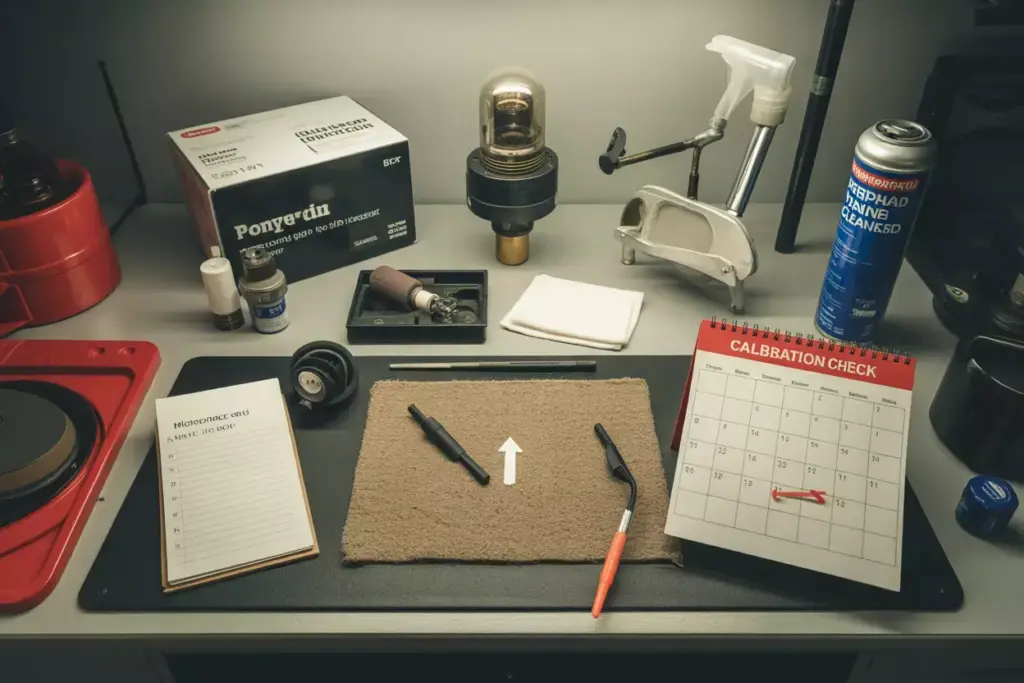
Long-term ownership considerations form an essential part of the 8 Things You MUST Know Before Buying an Indoor Golf Simulator. Understanding maintenance requirements and ongoing costs helps ensure your investment provides years of reliable service without unexpected expenses.
Regular Maintenance Requirements
Projector maintenance represents the most significant ongoing requirement:
- Bulb replacements every 2,000-4,000 hours ($200-500 per bulb)
- Filter cleaning monthly to prevent overheating
- Lens cleaning to maintain image quality
- Calibration checks quarterly for optimal alignment
Launch monitor care includes:
- Sensor cleaning to maintain accuracy
- Software updates for improved performance and new features
- Calibration verification using known reference standards
- Protective storage when not in use
Screen and mat maintenance involves:
- Impact screen inspection for wear and potential replacement needs
- Hitting mat rotation to distribute wear evenly
- Cleaning protocols to maintain appearance and performance
- Replacement planning for high-wear components
Component Lifespan Expectations
Projector bulbs typically last 2,000-4,000 hours depending on usage patterns and quality. Heavy users may require annual replacements while occasional users might get 3-5 years per bulb.
Impact screens can last 5-10 years with proper care, though high-volume users may need replacement sooner. Premium screens generally offer longer lifespans than budget options.
Launch monitors with proper care can provide 10+ years of service, though software support and compatibility with newer systems may eventually require upgrades.
Hitting mats typically require replacement every 2-5 years depending on usage volume and quality. Rotating mat positions helps extend lifespan significantly.
Upgrade Pathways
Technology evolution in the golf simulator industry means newer, more accurate systems regularly enter the market. Planning for potential upgrades helps maximize long-term value.
Software advancement may require hardware upgrades to support new features or improved graphics. Computer specifications often need updating every 3-5 years.
Component improvements allow incremental upgrades rather than complete system replacement. Launch monitor upgrades can significantly improve accuracy without replacing projection systems.
Warranty and Support Considerations
Manufacturer warranties vary significantly between brands and components:
- Launch monitors: 1-3 years typical coverage
- Projectors: 1-2 years with extended options available
- Software: Ongoing support included with subscriptions
Technical support quality varies between manufacturers. Research support reputation and availability before purchasing.
Local service availability for repairs and maintenance can significantly impact ownership experience, particularly for complex systems.
8. Space Optimization and Room Design
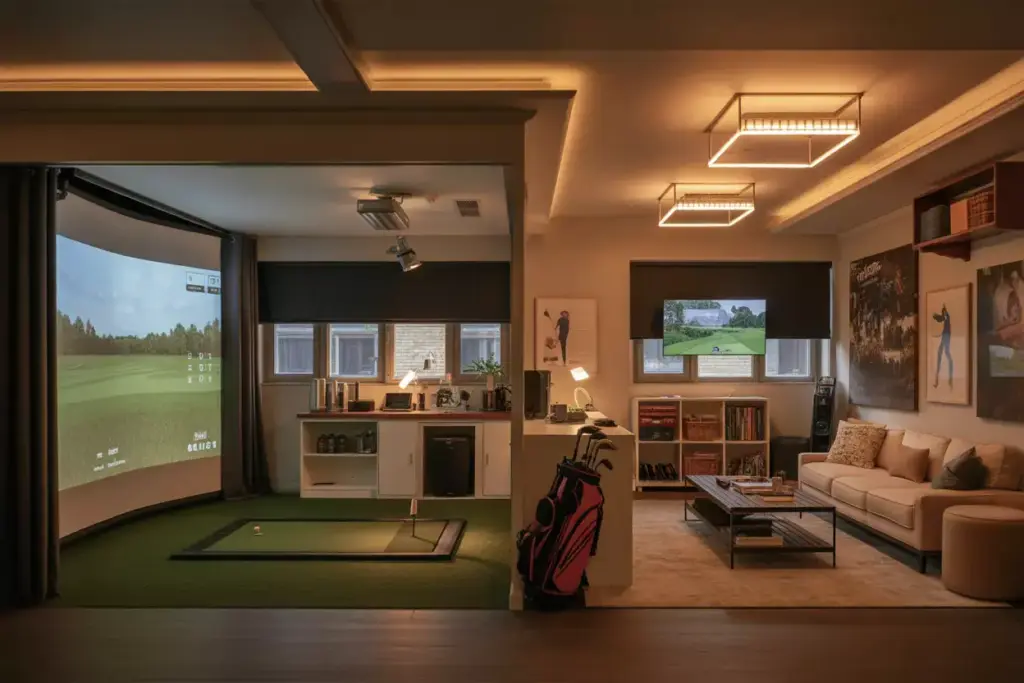
Room design and space optimization complete the 8 Things You MUST Know Before Buying an Indoor Golf Simulator. Thoughtful space planning maximizes both performance and enjoyment while ensuring safety and long-term usability.
Optimal Room Layout
Hitting area positioning should provide maximum ceiling clearance while allowing adequate space for follow-through and ball flight to the screen.
Screen placement requires careful consideration of throw distance for projectors while ensuring adequate ball flight distance for realistic timing and feel.
Traffic flow planning ensures safe movement around the simulator during use and allows spectators to observe without interfering with play.
Storage integration for clubs, balls, and accessories keeps the space organized and functional for regular use.
Lighting Design
Ambient lighting control is crucial for optimal projection quality. Dimmable LED fixtures provide adjustable lighting for different activities while minimizing interference with projection systems.
Task lighting for scorekeeping, club selection, and equipment adjustment should be positioned to avoid casting shadows in the hitting area or on projection screens.
Natural light management through window treatments prevents daylight interference with projection systems while maintaining the option for natural lighting during non-simulator activities.
Climate Control Considerations
Temperature regulation ensures year-round comfort and protects sensitive electronic equipment from extreme temperatures.
Humidity control prevents condensation on equipment and maintains consistent environmental conditions for optimal performance.
Ventilation systems provide fresh air circulation and help manage heat generated by projectors and electronic components.
Noise management through insulation and sound dampening materials minimizes impact on adjacent rooms and neighbors.
Multi-purpose Room Design
Flexible furniture allows the space to serve multiple purposes when not being used for golf simulation.
Retractable components like screens or hitting mats can transform the space for other activities.
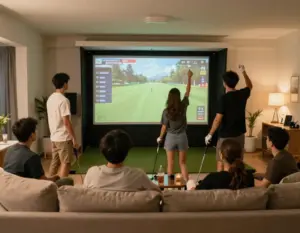
Entertainment integration including seating areas and refreshment stations creates a complete entertainment environment.
Technology integration for music, television, and other entertainment options enhances the overall experience.
Safety Features
Protective barriers prevent errant balls from damaging walls, windows, or adjacent areas.
Emergency stops for projection and launch monitor systems provide quick shutdown capabilities if needed.
First aid accessibility and emergency contact information should be readily available in case of accidents.
Proper ventilation ensures adequate air quality and prevents equipment overheating during extended use sessions.
Conclusion
Investing in an indoor golf simulator represents a significant decision that can transform your golf game and provide years of enjoyment. The 8 Things You MUST Know Before Buying an Indoor Golf Simulator covered in this guide provide the foundation for making an informed decision that matches your needs, budget, and space constraints.
Space requirements form the foundation of any successful simulator installation. Without adequate ceiling height and room dimensions, even the most expensive systems will disappoint. Technology selection determines the accuracy and realism of your experience, with options ranging from basic consumer systems to tour-level professional equipment.
Budget planning must account for both initial costs and ongoing expenses including software subscriptions, maintenance, and eventual upgrades. Installation complexity varies dramatically between systems, with some requiring professional trades and significant construction work.
Performance expectations should align with your chosen technology level and intended use. Software selection determines your long-term playing experience and course variety. Maintenance requirements ensure reliable operation and protect your investment over time. Finally, room design optimization maximizes both performance and enjoyment while ensuring safety.
Next Steps
- Assess your space carefully, measuring ceiling height and room dimensions to determine viable options
- Define your budget including both initial investment and ongoing costs for a realistic financial plan
- Research technology options that match your accuracy requirements and intended use patterns
- Visit showrooms to experience different systems firsthand before making final decisions
- Consult professionals for installation planning and space optimization recommendations
The golf simulator market in 2025 offers unprecedented options for bringing the game indoors. With careful planning and consideration of these eight critical factors, your simulator investment can provide decades of improvement, entertainment, and enjoyment regardless of weather conditions or time constraints.